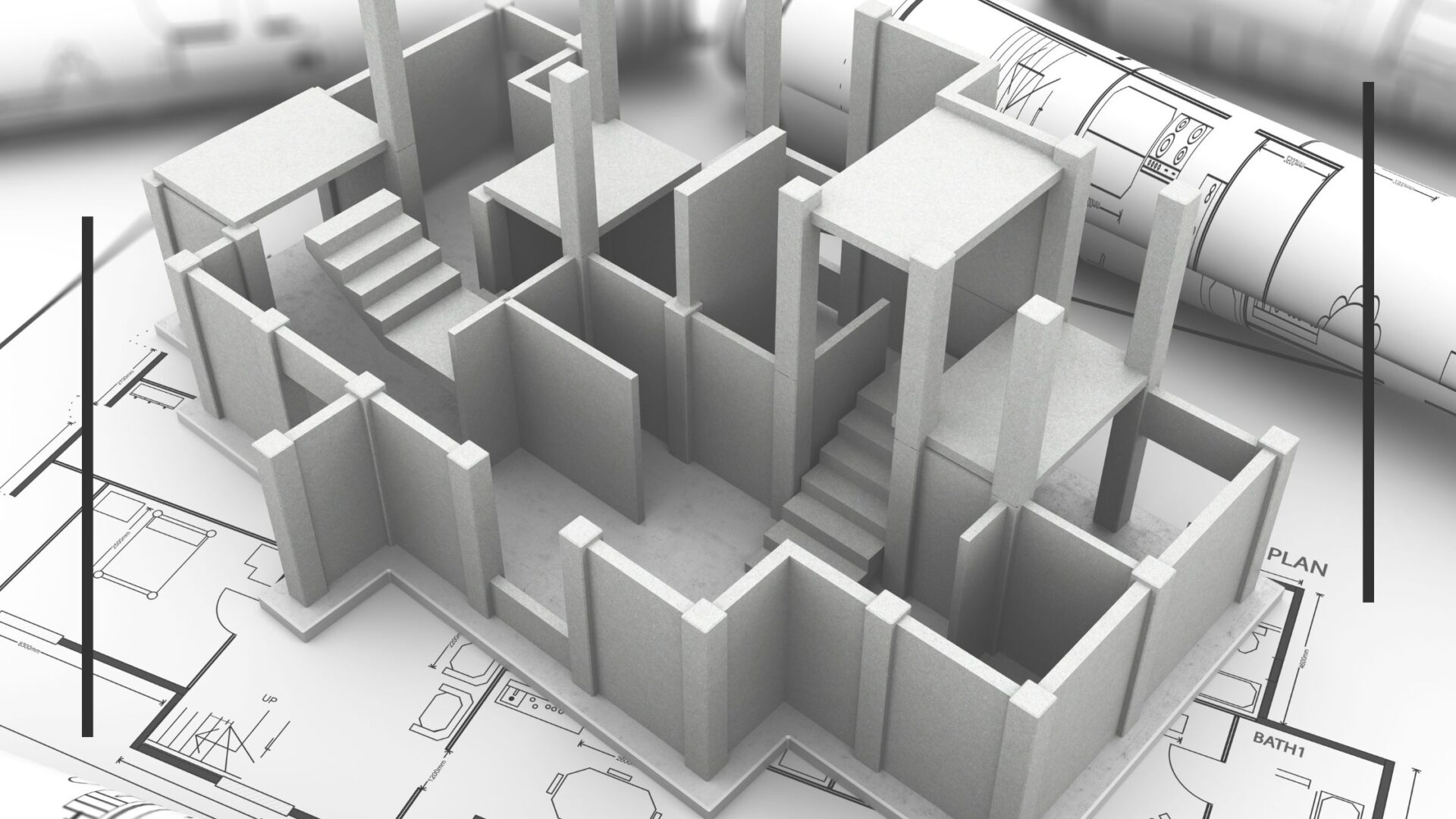
Course Outline: Produce a Computer-Aided Project Drawing
Domain: Building and Civil Management
Level: 4
Credits: 5
Duration: 5–6 Days (40 hours recommended)
Target Group: Trainee carpenters, plumbers, bricklayer apprentices, or artisans seeking to develop technical drawing skills using CAD
Prerequisite: Unit 1157 – Demonstrate basic knowledge of workplace health and safety (or equivalent)
Course Purpose
To equip students with the competencies required to produce computer-aided drawings for building and construction projects. This includes planning and preparing, identifying objects to be drawn, establishing drawing criteria, using CAD software, and producing verified hard copies.
Learning Outcomes
By the end of this course, learners will be able to:
-
Apply safety and environmental standards in a CAD workspace.
-
Identify carpentry-related components to be drawn.
-
Establish appropriate drawing criteria, dimensions, and specifications.
-
Create computer-aided drawings from the line and detail stages.
-
Draft, verify, and print final drawings using industry-recognised standards.
Course Structure
Day 1: Introduction and Planning
-
Overview of CAD in carpentry and construction
-
Unit standard objectives and expectations
-
Health, safety, and environmental requirements (PC 1.1, 1.4)
-
Selecting and checking CAD equipment and software (PC 1.2)
-
Handling and preparing materials for drawing (PC 1.3)
Day 2: Object Identification & Drawing Criteria
-
Identifying project elements to be drawn (PC 2.1)
-
Understanding materials and construction methods (PC 2.2)
-
Establishing drawing objectives, dimensions, and limitations (PC 3.1 – 3.2)
-
Identifying drawing conventions and suitable media/software (PC 3.3 – 3.4)
Day 3: Producing CAD Drawings (Line Stage)
-
Introduction to CAD commands and functions (PC 4.1)
-
Drawing orthographic and isometric views to scale (PC 4.2 – 4.3)
-
Constructing assemblies, elevations, and layouts (PC 4.4 – 4.5)
-
Ensuring compliance with drawing codes and referencing layouts (PC 4.6 – 4.8)
Day 4: Detailing and Drafting
-
Adding symbols, logos, and annotations (PC 5.1 – 5.2)
-
Saving files and following organisational procedures (PC 5.3)
-
Plotting and drafting dimensions and notes (PC 6.1 – 6.3)
-
Applying drawing conventions and documentation (PC 6.4)
Day 5: Verifying and Finalising Drawings
-
Checking draft drawings against the design brief (PC 7.1 – 7.2)
-
Modifying and finalising drawings for compliance (PC 7.3 – 7.4)
-
Printing and formatting final hard copies (PC 8.1 – 8.2)
-
Completing documentation and office procedures (PC 8.3)
Assessment Strategy
-
Formative Assessment: Continuous assessment through exercises, observation, and peer reviews.
-
Summative Assessment: Final project involving:
-
Creation of a detailed CAD drawing relevant to building and civil tasks.
-
Verification and presentation of the final printed copy.
-
Compliance with safety, drawing conventions, and organisational standards.
-
Assessment can be conducted in a real or simulated workplace setting with appropriate tools and equipment.
Resources Required
-
Computers with installed CAD software (e.g., AutoCAD, SketchUp)
-
Printers/plotters
-
Access to sample carpentry plans or construction briefs
-
Drawing codes, standards, and templates
Relevant Legislation and Standards
-
Labour Act No. 11 of 2007
-
Public and Environmental Health Act No. 1 of 2015
-
Occupational Health and Safety Regulations No. 18 of 1997
Quality Assurance
Accredited institutions must conduct training and assessment in accordance with the guidelines set by the Namibia Qualifications Authority (NQA) and the Namibia Training Authority (NTA).
- Trainer: tobias amunkete